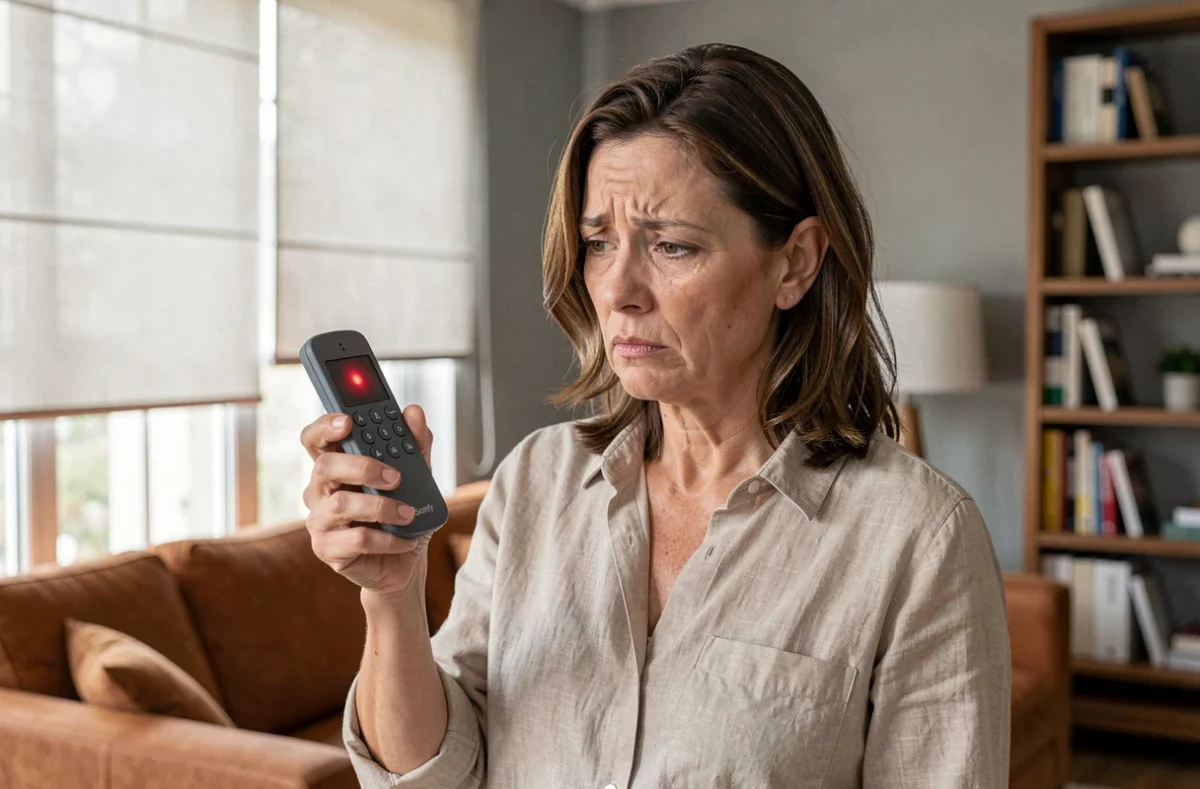
A Somfy remote control with a flashing red light confirms that it is emitting a radio signal. Therefore, the problem does not always originate from the remote control itself. In most cases, the motor of the shutter or gate does not receive the command or does not recognize it. Understanding what this flashing means can help avoid unnecessary, even destructive, manipulations of the receiver’s memory configuration.
RTS or io-homecontrol protocol: the first reflex before any manipulation
Before changing the battery or attempting reprogramming, check the radio protocol used by your installation. Somfy uses two distinct technologies that do not communicate with each other.
An io remote control cannot operate an RTS motor, and vice versa. The protocol mention is found on the remote control’s label and on that of the motor or electronic box. Confusing the two means sending a signal that the receiver completely ignores, resulting in exactly the observed symptom: the red light flashes, but nothing moves.
The RTS is a one-way protocol. The remote control sends a command but does not receive any confirmation from the motor. The red flashing only indicates that the remote control is emitting, not that the motor has executed the command.
In contrast, io-homecontrol is bidirectional: a compatible gateway like TaHoma can indicate whether the motor has responded correctly. On this type of installation, the app allows for a more precise diagnosis and distinguishes between an emission problem and a reception problem.
To delve deeper into the precise meaning of the red light according to the models of Somfy remote controls, you can consult the Somfy guide on Android Inside which details the different scenarios.
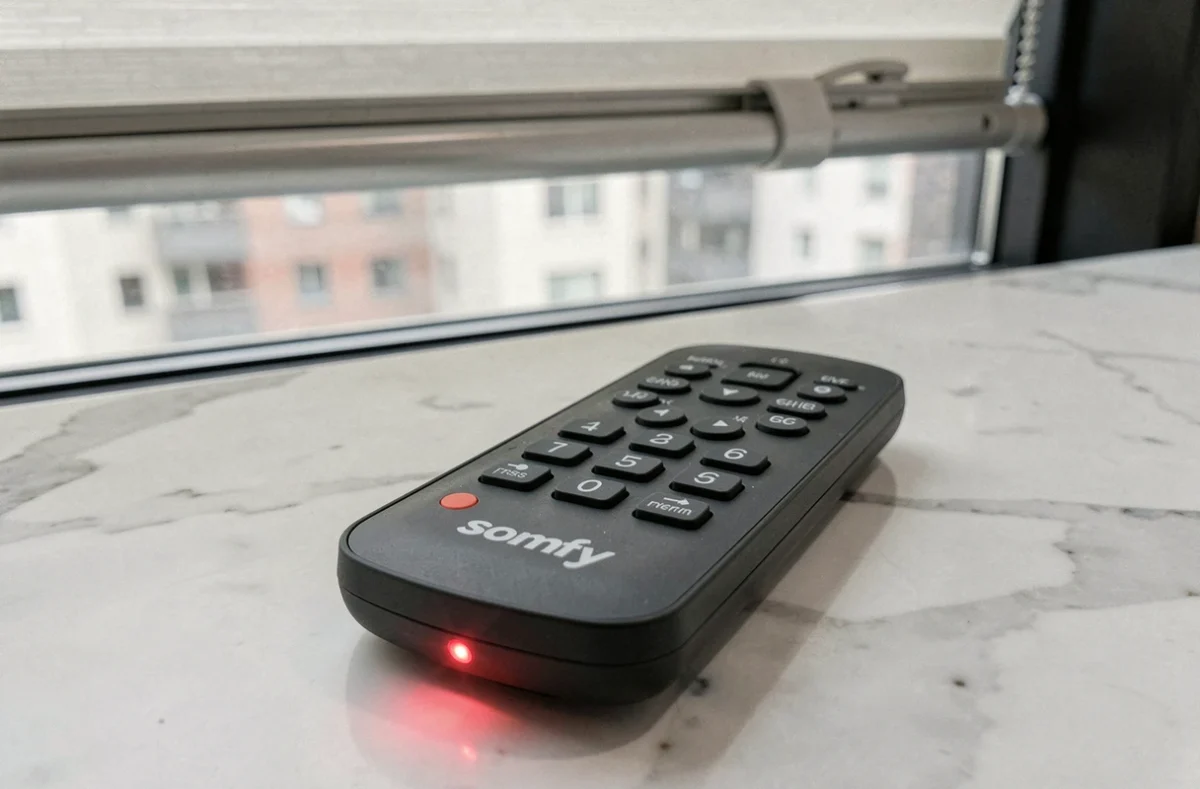
Somfy remote control flashing red: the real causes ranked by frequency
The red flashing alone, without any reaction from the motor, can have several origins. Not all justify the same interventions.
Weak or improperly inserted battery
This is the most common cause. A battery whose voltage has dropped still allows the LED to light up, but the emitted radio signal is too weak to reach the receiver. Replace the battery with a new one of the same voltage and check the polarity. A simple reversal of polarity is enough to block all emission.
Desynchronization between remote control and receiver
After a battery replacement, a prolonged power outage, or an accidental manipulation of the programming button, the remote control may no longer be recognized by the motor. The light flashes normally, but the receiver no longer has this remote control in its pairing memory.
Protocol incompatibility or wrong channel
On multichannel remote controls (Telis 4, for example), it sometimes happens that the selected channel does not correspond to the targeted motor. Check that the displayed channel is indeed the one associated with the relevant shutter or gate.
Damaged optical transfer
On some multi-application remote control models, the component that transmits the light from the LED to the outside of the case can break over time. The remote control then actually works, but the user no longer sees the usual visual feedback or perceives it differently. This case, reported on the Somfy forum, mainly concerns remote controls that are heavily used on a daily basis.
Reprogramming a Somfy remote control after loss of synchronization
If the battery is new, the correct protocol is in place, and the channel has been checked, the remote control probably needs to be re-paired with the motor. The procedure varies by model, but the principle remains the same.
- Identify a remote control that still works on the same motor (if you have several). Press its programming button (often on the back, using a paperclip) until the motor performs a brief back-and-forth movement.
- Within two minutes following this movement, press the programming button of the remote control to be re-paired. A brief back-and-forth movement of the motor confirms that the learning is accepted.
- If no other remote control works, the procedure involves cutting power to the motor followed by a power-on sequence, detailed in the product manual.
The absence of movement from the motor after the pairing attempt indicates a deeper problem: wrong protocol, saturated receiver memory, or failure of the electronic box itself.
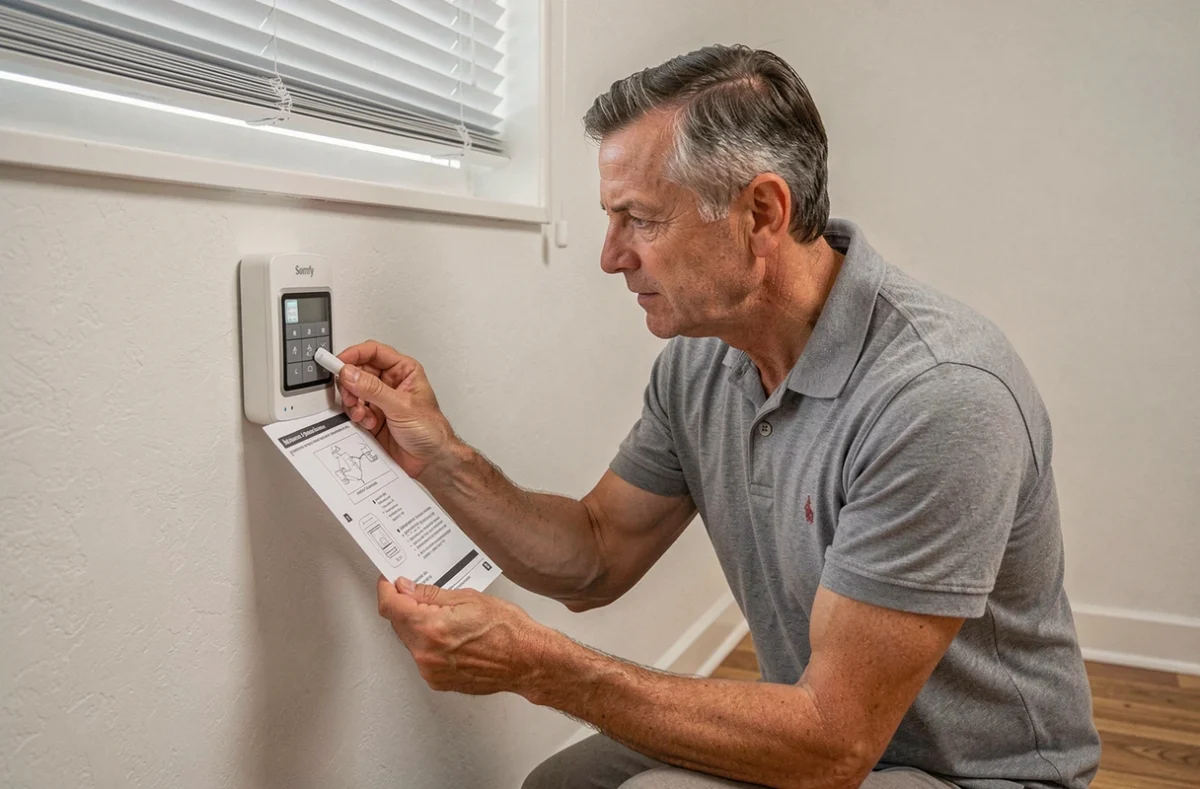
Complete reset of the Somfy motor: why it’s a last resort
When nothing works, the temptation to reset the motor is strong. This operation should be approached with caution.
A complete reset erases all registered remote controls, programmed end stops, and favorite positions. If you had three functional remote controls and reset the motor to fix a fourth, you will need to re-pair all four and then reconfigure the high and low stops.
As long as at least one remote control operates the motor correctly, there is no reason to attempt a reset. Instead, work from the functional remote control to add the one that is problematic, following the learning procedure described above.
Field feedback varies on this point: some users report that the box refuses to validate the learning even after a reset, which points to a hardware failure of the receiver or the electronic box. In this case, only a diagnosis by an installer or Somfy customer service can provide clarity.
Somfy gate and red light: a different diagnosis
On gate motors (Evolvia, Slidymoove), the red light is not located on the remote control but on the electronic box. A flashing at regular intervals usually indicates that the box is waiting for learning after a motor replacement or a prolonged power cut.
- Two successive flashes of the status light indicate a wait for initial commissioning.
- A steady red light may signal a more serious fault (short circuit, blocked motor).
- The learning procedure for the end stops must be completely restarted after any motor replacement.
Confusing the box’s light with a remote control issue leads to unnecessary manipulations. Always systematically check the source of the flashing before intervening on the remote control.
The red flashing of a Somfy remote control remains, in most situations, a reassuring signal: it proves that the transmitter is functioning. The real diagnosis lies with the receiver, the protocol, and the pairing memory. Replacing the battery, checking the RTS or io protocol, and attempting a re-pairing before any reset remains the most reliable sequence to regain control of your shutters or gate.